
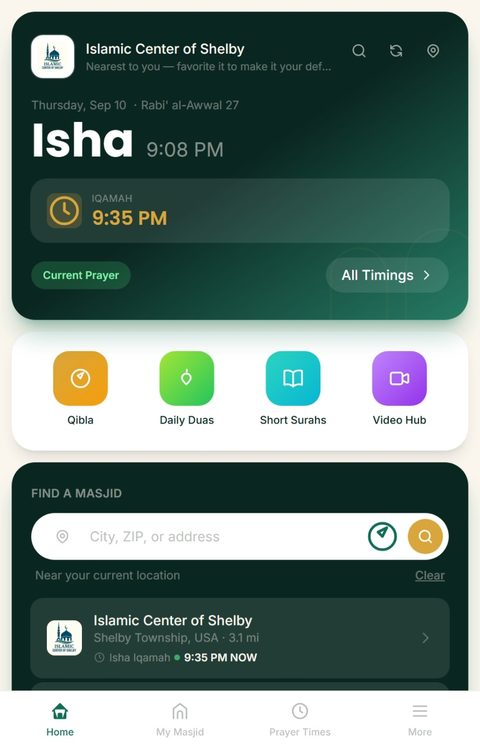
Prayer times, events, and updates from every masjid you follow — right from your home screen. No app store, no download size, no account required to try it.

Waqfly Adhan App
Personal prayer companion
Your personal prayer companion — prayer times, Qibla, Adhan alerts, tasbih, duas, and more, in its own dedicated app separate from Wall Adhan Display below.
How to install
This opens Waqfly Adhan itself — a separate app from Waqfly Go, so it needs its own install step once you're there:
- iPhone/iPad: tap the Share icon, then "Add to Home Screen"
- Android: tap "Install Waqfly Adhan" if it pops up, or open the browser's ⋮ menu → "Install Waqfly Adhan"
Wall Adhan Display
Always-on Adhan display for home
Choose your display
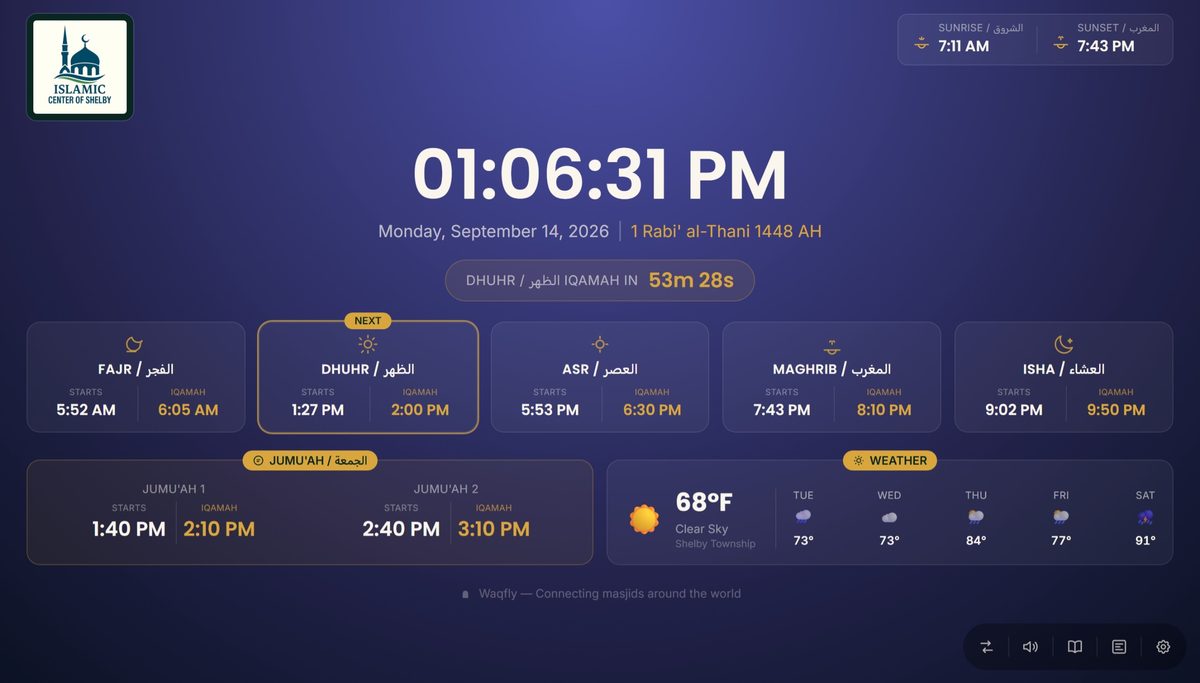
The newest display: full-day prayer times, Ayah of the Day, weather, the whole Quran with audio, Islamic radio, Video Hub and your masjid’s community events. Made for tablets and iPads.
Set Up Wall Adhan 2.0The classic, simple always-on prayer display. Choose this if you prefer a clean, lightweight screen.
Set Up Original Wall AdhanNot sure which to pick? Choose 2.0. Both are free, and you can install both on the same device, each as its own app.
Turn any spare tablet or iPad into a dedicated, always-on prayer display for your own home. Mount it on a wall or leave it propped up on a shelf, and it plays the Adhan automatically, all day, every day. Works the same way as Waqfly Go: install it straight from your browser, no app store needed.
How to install
Set it up once, and its own real install button will be right there waiting for you — a simple one-tap install for its own dedicated app.